Compatibility First
Check CPU socket support, motherboard pairing, RAM generation, cooler clearance, GPU fit, case form factor, and storage options early so incompatible parts never make your shortlist.
Find compatible PC parts faster.
PC Builder helps you compare CPUs, GPUs, motherboards, RAM, CPU coolers, PC cases, SSDs, and power supplies without bouncing between spec pages, forum threads, and generic buying lists.
Use the site to research hardware, compare key specifications, and check compatibility across CPU sockets, motherboard chipsets, memory support, form factors, GPU clearance, cooler height, and storage before you buy.
Start with a realistic budget, choose the right anchor part, and narrow your shortlist before you overspend on features you do not need.
Explore builds Fast Check Verify CompatibilityCheck CPU, motherboard, memory, cooler, GPU, case, and storage compatibility before checkout so your build starts on the right foundation.
Open compatibility tools Learn Faster Read Practical Build GuidesGet concise, useful advice on part selection, upgrades, airflow, thermals, and buying priorities without recycled filler content.
Read the blogUse compatibility-first research tools, cleaner hardware data, and practical build guidance to make faster, better PC part decisions.
Check CPU socket support, motherboard pairing, RAM generation, cooler clearance, GPU fit, case form factor, and storage options early so incompatible parts never make your shortlist.
Browse structured PC hardware specs and retailer links, then move into comparisons, compatibility pages, and build guides when you need buying context.
Use clean product cards, spec tables, filters, and compatibility paths to compare parts faster and make confident decisions for a gaming PC, work PC, or custom build.
Most PC building websites either overwhelm you with raw listings or push generic advice that never gets specific enough to help. PC Builder sits between those extremes: detailed hardware data where it matters, plus practical build guidance that helps you move toward a real parts shortlist.
Browse CPUs, GPUs, motherboards, memory kits, CPU coolers, PC cases, storage drives, and power supplies with cleaner specs so you can quickly spot the differences that actually affect performance, compatibility, cooling, and upgrade paths.
Use compatibility tools to confirm socket support, chipset pairing, DDR4 or DDR5 memory support, PCIe generation, GPU length, cooler height, radiator support, and case form factor before placing an order.
Read focused PC building guides on budgeting, upgrade planning, gaming performance, airflow, thermals, and part priorities so you can build smarter instead of guessing your way through the process.
Explore PC components by category and compare the specs that matter most for a real-world build.
Recently added PC parts from leading brands, ready for side-by-side comparison and compatibility research.
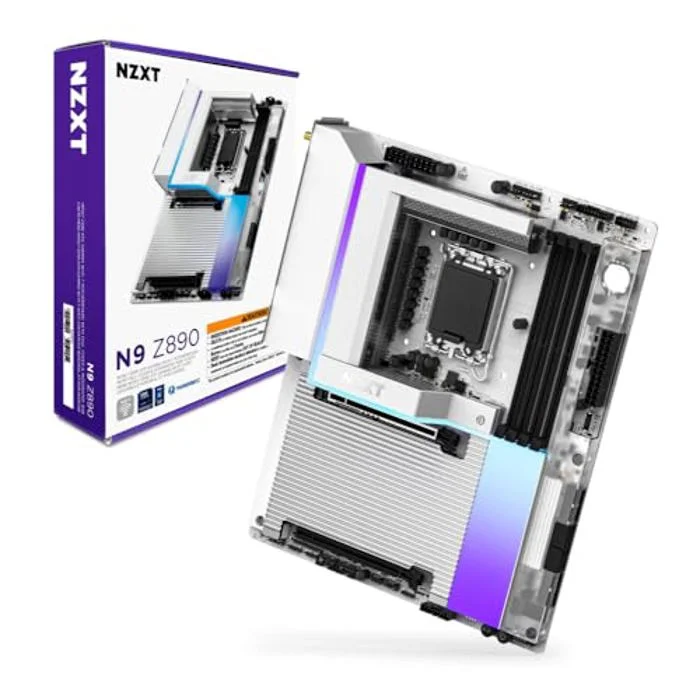
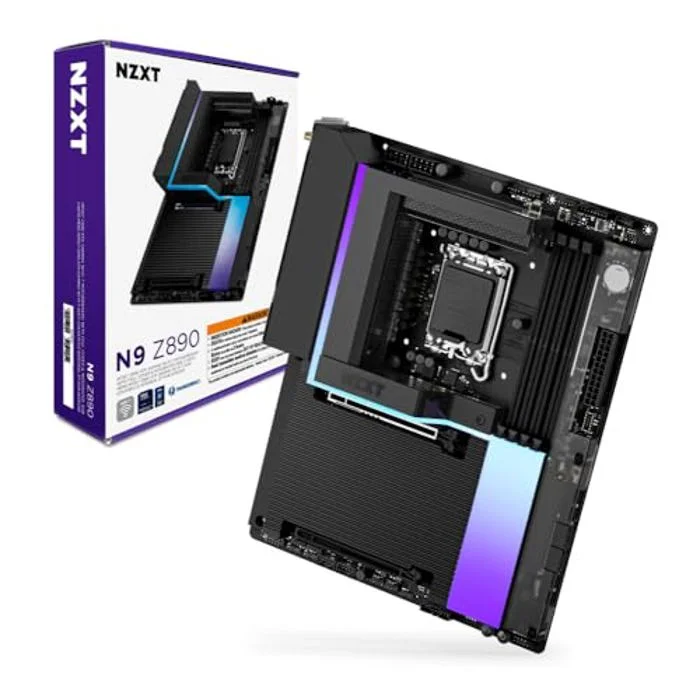
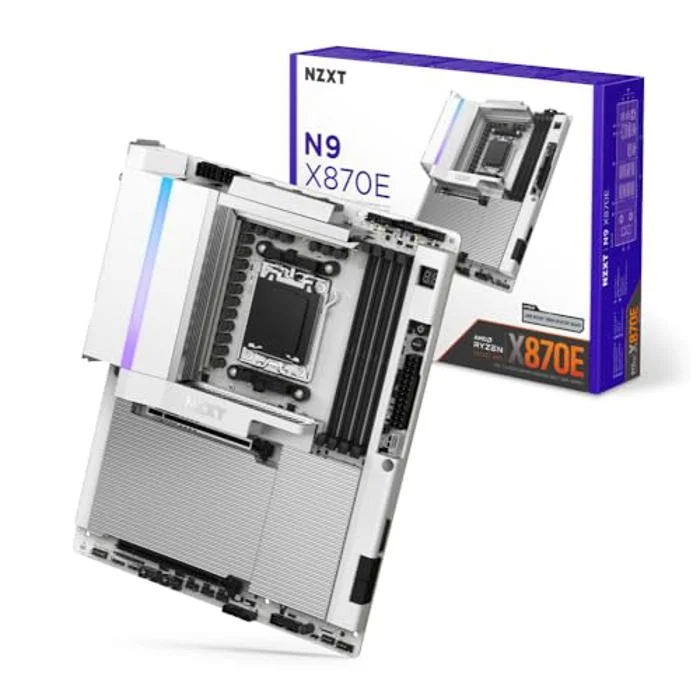
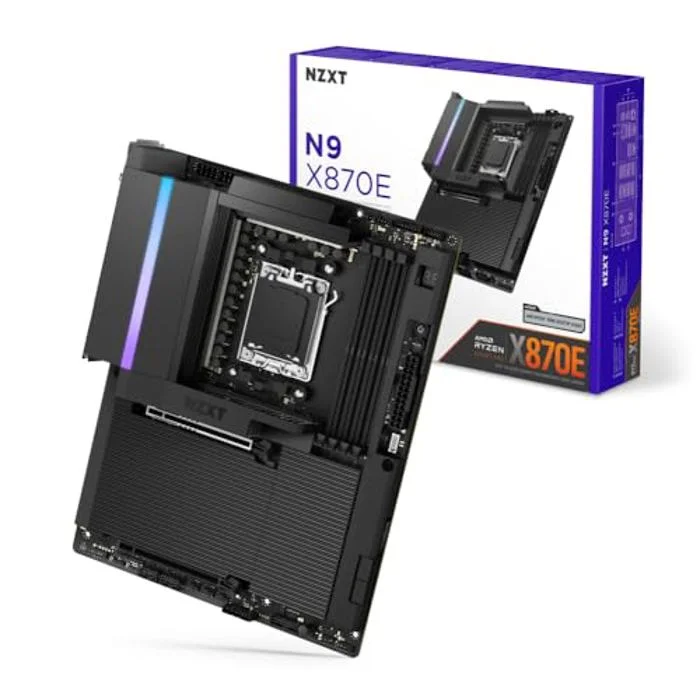
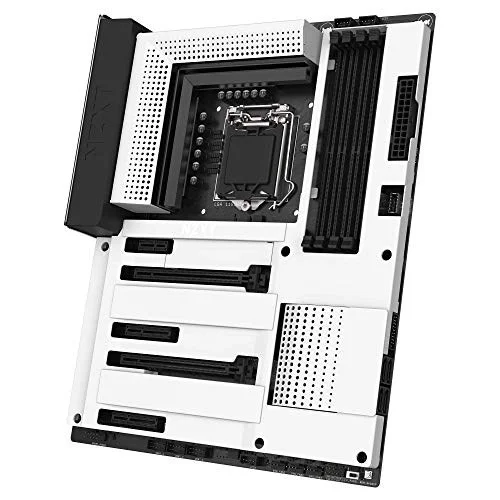
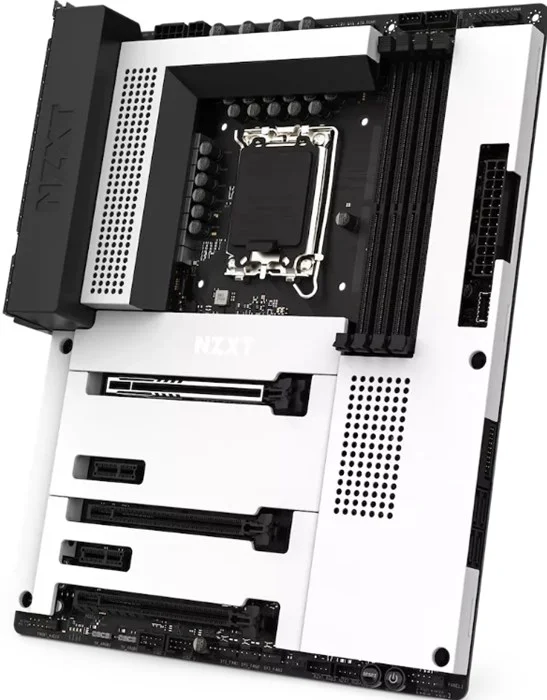
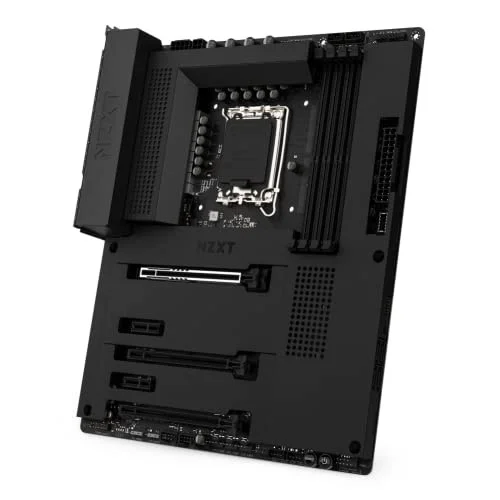
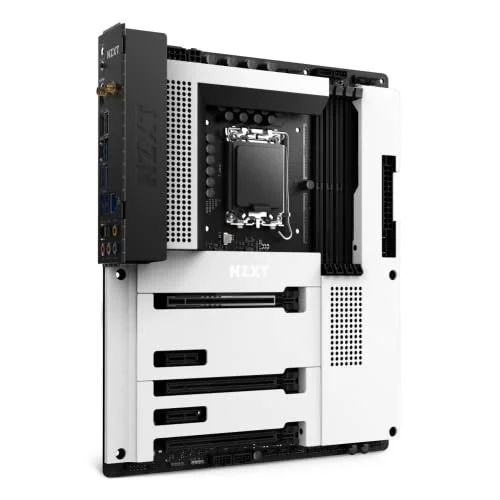
Browse trusted PC hardware brands across processors, motherboards, graphics cards, cooling, and cases.
Build guides, compatibility advice, and smarter buying tips for new PC builders and experienced upgraders.
A simple framework for choosing the right starting part, setting a budget, and avoiding the most common waste in a new PC build.
Read guideThese are common questions PC builders ask when planning a new system, choosing compatible parts, and trying to avoid expensive mistakes.
Start with the part that defines the build goal. For a gaming PC, that is often the GPU or CPU. For a compact or quiet build, it can be the case. Once that anchor part is chosen, the rest of the compatibility decisions get easier.
The CPU and motherboard need the right socket and platform support. A processor might physically fit one board family but not another, so checking compatibility early saves time and prevents rebuilding the entire parts list later.
Most gaming builds do not need the most expensive motherboard. It is usually better to buy a board with the right socket, decent power delivery, enough storage and memory support, and then keep more of the budget for the GPU, CPU, and power supply.
Compatibility affects whether the system can actually be assembled and run correctly. Socket mismatches, unsupported memory, oversized coolers, weak power supplies, or a small case can all turn a good-looking parts list into an expensive problem.
Building a PC gives you more control over part quality, upgrade potential, cooling, and budget allocation. A prebuilt can be convenient, but researching parts yourself usually gives you a better understanding of where the money is really going.
Set a total budget before you compare parts, choose one anchor part, and use compatibility checks early. The easiest way to overspend is to keep upgrading individual parts without checking how each change affects the rest of the build.